Skip to content
Sign in
Main Menu

  • sale

  • Technical Resources
  • About Monitors.com
  • Contact Us
  • Sign in
  • HKD $
  • English
  • Medical Displays
  • General Radiology Displays
  • Mammography Displays
  • Clinical Review Displays
  • Surgical Displays
  • Pathology Displays
  • View All Medical Display Monitors
  • Medical Displays by Brand
  • Barco
  • Eizo
  • JVC
  • LG
  • NEC
  • Steris
  • Sony
  • Arthrex
  • Ikegami
  • NDS
  • Panasonic
  • WIDE
  • Professional Displays
  • LCD / LED Monitors
  • 4K Monitors
  • Touch Screen Monitors
  • Workstations by Type
  • Desktop Workstations
  • Mobile Workstations
  • Rack Workstations
  • View All Workstations
  • Workstations by Brand
  • HP Workstations
  • Lenovo Workstations
  • Dell Workstations
  • Workstations by Processor
  • Intel Xeon Processors
  • Intel Core i-Series Processors
  • AMD ThreadRipper Pro Processors
  • Workstations by Size
  • Tower
  • Small Form Factor (SFF)
  • Modality
  • General Radiology Reading Stations
  • Mammography Reading Stations
  • View All Reading Stations
  • Reading Stations by Condition
  • New Reading Stations
  • Renewed Reading Stations
  • Reading Stations by Brand
  • Barco Reading Stations
  • Eizo Reading Stations
  • JVC Reading Stations
  • LG Reading Stations
  • NEC Reading Stations
  • Graphics Card by Brand
  • Barco Graphics Cards
  • NVIDIA Graphics Cards
  • AMD Graphics Cards
  • View All Graphics Cards
  • Graphics Card by Memory
  • 4GB
  • 6GB
  • 8GB
  • 12GB
  • 16GB
  • 20GB
  • 24GB
  • 32GB
  • 48GB
  • Dictation Microphones by Brand
  • Nuance Dictation Mics
  • Philips Diction Mics
  • Dictation Microphones by Type
  • Wired Dictation Mics
  • Wireless Dictation Mics
  • Headset Wireless Dictation Mics
  • View All Microphones
  • Microphone Accessories
  • Nuance Accessories
  • Philips Accessories
  • View All Microphone Accessories
  • Medical Monitor Accessories
  • Power Adapters
  • Calibration Kits
  • Workstation Accessories
  • Keyboards
  • Mice
  • Wifi Adapters
  • Webcams
  • KVM Switches
  • Docking Stations
  • Document Scanners
  • Mouse Pads & Wrist Rests
  • Eyewear
  • Cables and Adapters
  • Ethernet Cables & Adapters
  • DVI Cables & Adapters
  • HDMI Cables & Adapters
  • USB Cables & Adapters
  • USB-C Cables &Adapters
  • DisplayPort Cables & Adapters
  • Mini DisplayPort Cables & Adapters
  • Thunderbolt Cables & Adapters
  • Power Cords
  • Other Accessories
  • UPS Backup Batteries
  • Surge Protectors
  • Other Products
  • Medical Film Scanners
  • Vidar Medical Film Digitizers
  • Medical Film Document Scanning Solution
  • Business Class Scanners
  • High-Speed Duplex Document Scanners
Monitors.com website-logo

Quick Links

Technical Resources About Monitors.com Contact Us SALE

How to View Previous Reports in Eizo RadiCS DICOM Calibration and QA Software v5 - Win 10 Pro

Jul 06, 2020
How to View Previous Reports in Eizo RadiCS DICOM Calibration and QA Software v5 - Win 10 Pro

Situation:

You need to view reports of previously performed tasks in Eizo RadiCS calibration software for Eizo medical display monitors (RadiCS v5 and above)

Solution:

Follow the instructions below to view reports in Eizo RadiCS DICOM Calibration and QA Software.


Open RadiCS Version 5


Wait for RadiCS to detect monitor(s) 


Click on History List


On the History List page, under Result, click on the desired report you wish to view.

Conclusion:

Use this page if you need to reference previous reports and/or save PDF copies. If you need to calibrate your monitors please follow the How to Perform Calibration on Eizo Medical Display Monitors Using Eizo RadiCS DICOM Calibration and QA Software - Win 10 Pro guide.
Share
Previous articleNext article

Leave a comment

All comments are moderated before being published

Join Us

Subscribe to get special offers and promotions.   

Follow us

Popular posts

  1. 7 Considerations When Choosing a Mammography Display
    7 Considerations When Choosing a Mammography Display
    Oct 05, 2020
  2. What are the Advantages of Medical Display Monitors?
    What are the Advantages of Medical Display Monitors?
    Mar 03, 2021
  3. Why You Need a 5MP (or Higher) Diagnostic Display to Read Mammograms
    Why You Need a 5MP (or Higher) Diagnostic Display to Read Mammograms
    May 02, 2021

Featured Products

Save $11,852.24 Save $1,580.30
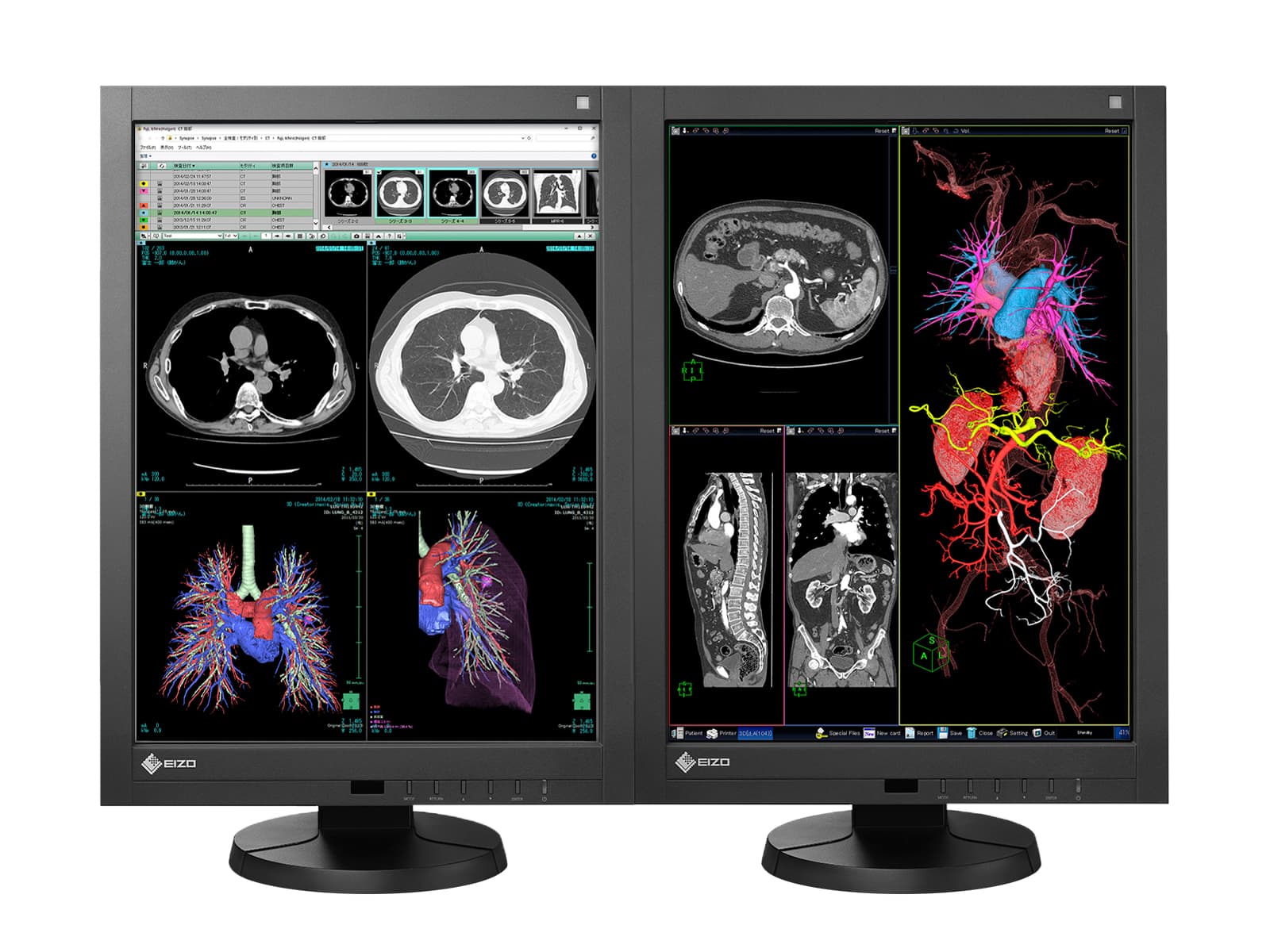
Eizo Radiforce RX340 3MP 21" Color LED General Radiology Diagnostic PACS Display (RX340-BK)
Eizo Eizo Radiforce RX340 3MP 21" Color LED General Radiology Diagnostic PACS Display (RX340-BK)
( 5 )
Free Shipping
$ 15,802 90 HKD
$17,383.20
Choose Options
Save $23,712.29 Save $23,704.48 Save $23,704.48
ribbon-icon
Complete Mammography Reading Station | Eizo Radiforce RX560 5MP Color Mammography Monitors | HP Z4 G5 Workstation | Dictation Mic | Worklist Monitors (RX560Z4G5)
Eizo Eizo RadiForce RX560 5MP 21" Color LED Mammo 3D-DBT Breast Imaging Display (RX560-BK)
Free Shipping
Available as: New
$ 67,162 59 HKD
$90,867.07
Choose Options
Save $79,014.91
ribbon-icon
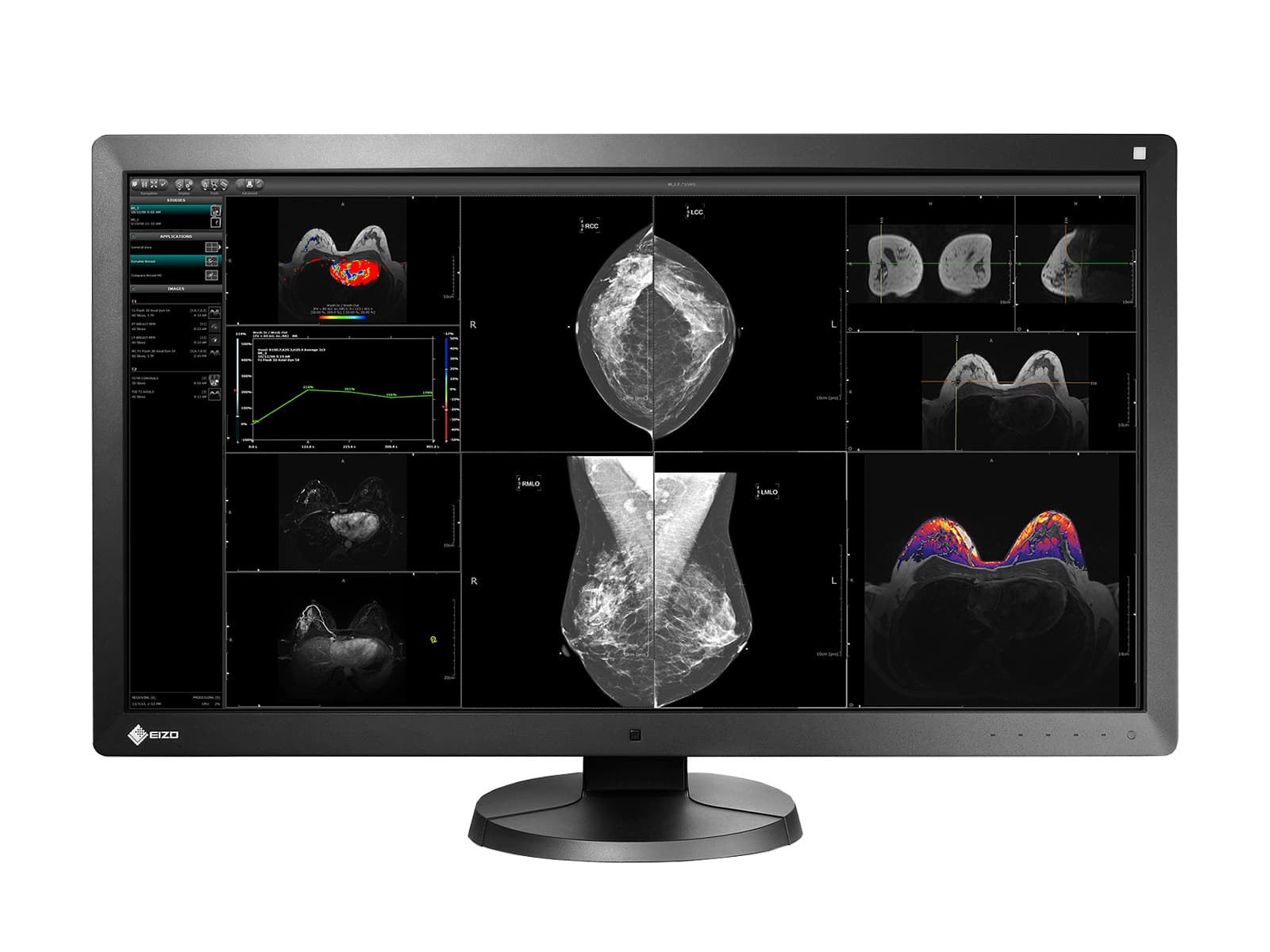
Eizo RadiForce RX850 8MP 31" Fusion Color LED Mammo 3D-DBT Breast Imaging Display (RX850-BK)
Eizo Eizo RadiForce RX850 8MP 31" Fusion Color LED Mammo 3D-DBT Breast Imaging Display (RX850-BK)
Free Shipping
Available as: New & Renewed
$ 71,113 34 HKD
$150,128.25
Monitors.com by Bayland
GSA Logo Dun & Bradstreet Logo
All medical displays offered by Monitors.com are guaranteed to be ACR compliant  All mammography displays offered by Monitors.com are FDA approved
HIPAA Compliant BBB accredited business
  • About Us
  • Contact Us
  • Technical Resources
  • Careers
  • Sitemap
  • Disclaimer
  • Terms & Conditions
  • Privacy
  • FAQ

Newsletter

Sign up to receive promotional offers!

HIPAA Compliant BBB accredited business

© 2025 Bayland Technologies, Inc.

Follow Us

We Accept

Ach Direct Debit Amazon American Express Apple Pay Bancontact Discover Google Pay iDEAL Mastercard Shop Pay Visa
  • Opens in a new window.

Your cart is empty

Compare Products

Close